 TradeScope
Calendar and days
Daily P&L with weekly totals. Click any day to see its trades, split by account.
Trading journal for NinjaTrader 8
TradeScope reads your NinjaTrader history on your own PC and turns it into a calendar, stats and a journal. No exports, no uploads, no spreadsheets.
7-day trial · No card required · $19.99 once if you keep it
A 6 MB download. No account to create.
TradeScope locates NinjaTrader 8 and syncs your history, then keeps syncing while you trade.
Open the Calendar, Journal or Reports. Every number comes from your own fills.
No NinjaTrader on this PC? The same download opens with sample trades so you can look around first.
Daily P&L with weekly totals. Click any day to see its trades, split by account.
Notes, mood and mistakes for each day. Paste a chart screenshot onto a trade or a whole day, then browse them all in the Gallery.
Replay a session fill by fill on the price chart, with your position and running P&L alongside.
Import Strategy Analyzer backtests, add realistic costs, and keep a library of runs to compare.
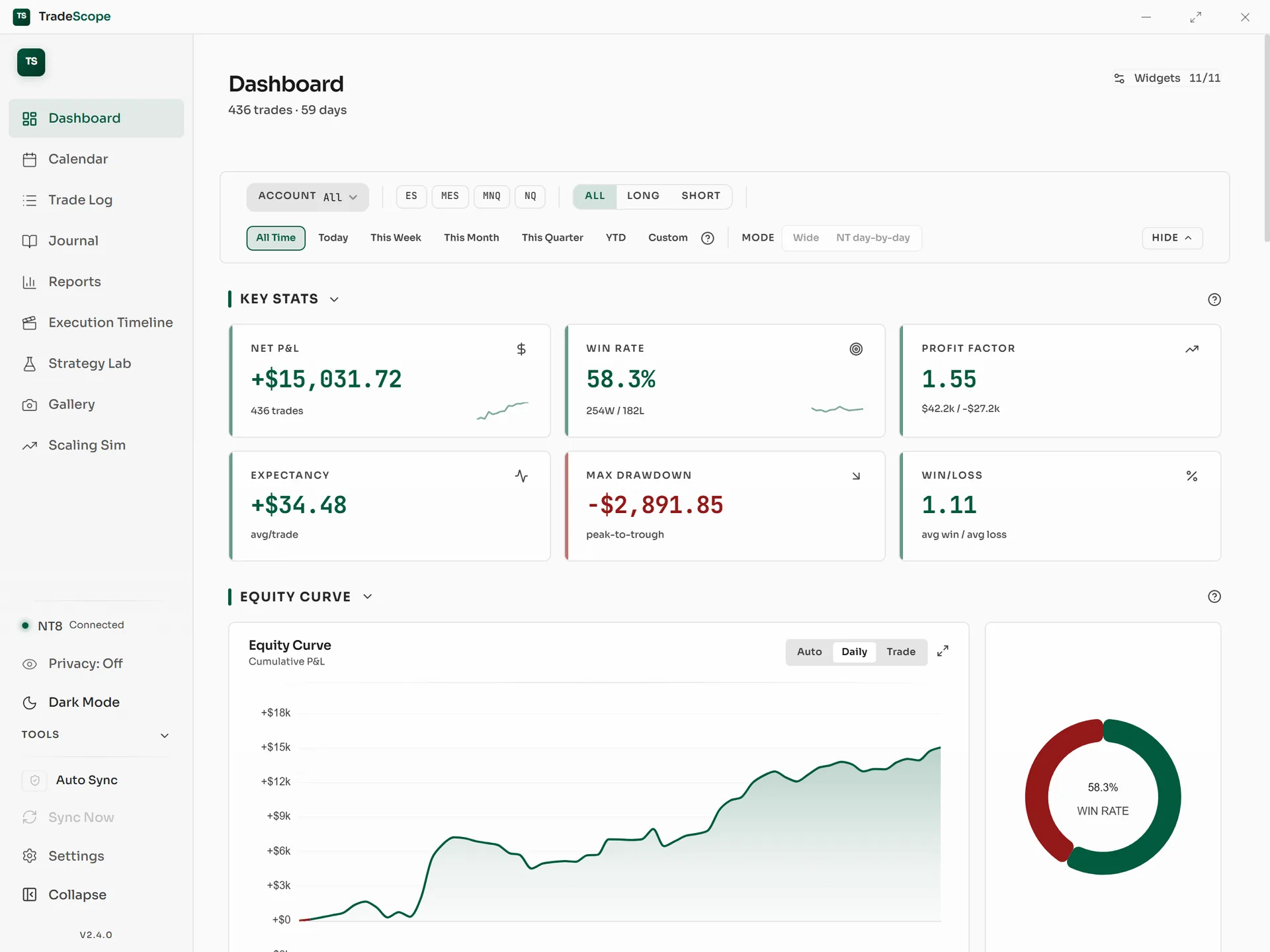
Win rate, profit factor, drawdown, MAE and MFE, time of day, day of week, and streaks.
Account reset dates, excluding a single bad day, commission profiles per broker, and copy accounts counted correctly.
TradeScope is built for NinjaTrader 8 on Windows and nothing else. That focus is why it can read your fills directly and pair trades the way NinjaTrader does.
Try everything free for 7 days. If you keep it, pay once. There's no subscription.
TradeScope
$19.99 one-time
Yes. The installer is digitally signed. SmartScreen and some antivirus tools flag new files until enough people have downloaded them. Choose More info, then Run anyway.
Each Calendar day shows the combined total. Open the day to split it by account, or filter the whole app to one account.
Not yet. TradeScope reads your history straight from NinjaTrader 8. You can add missing trades by hand, one at a time or in a table.
Your data stays on your PC. Buy a licence whenever you like and pick up where you left off.
Each licence activates on two PCs. You can move it later from the app.
Something else? Read the docs or contact support.