Bulk batch download
Pick any number of instruments — ES, NQ, CL, 6E, GC, RTY — and a date range. The add-on queues every (instrument × date) combination and runs them all, end to end, with retries on transient failures.
Bulk-download .nrd files across instruments and date ranges in one click. The end of clicking through dates one at a time.
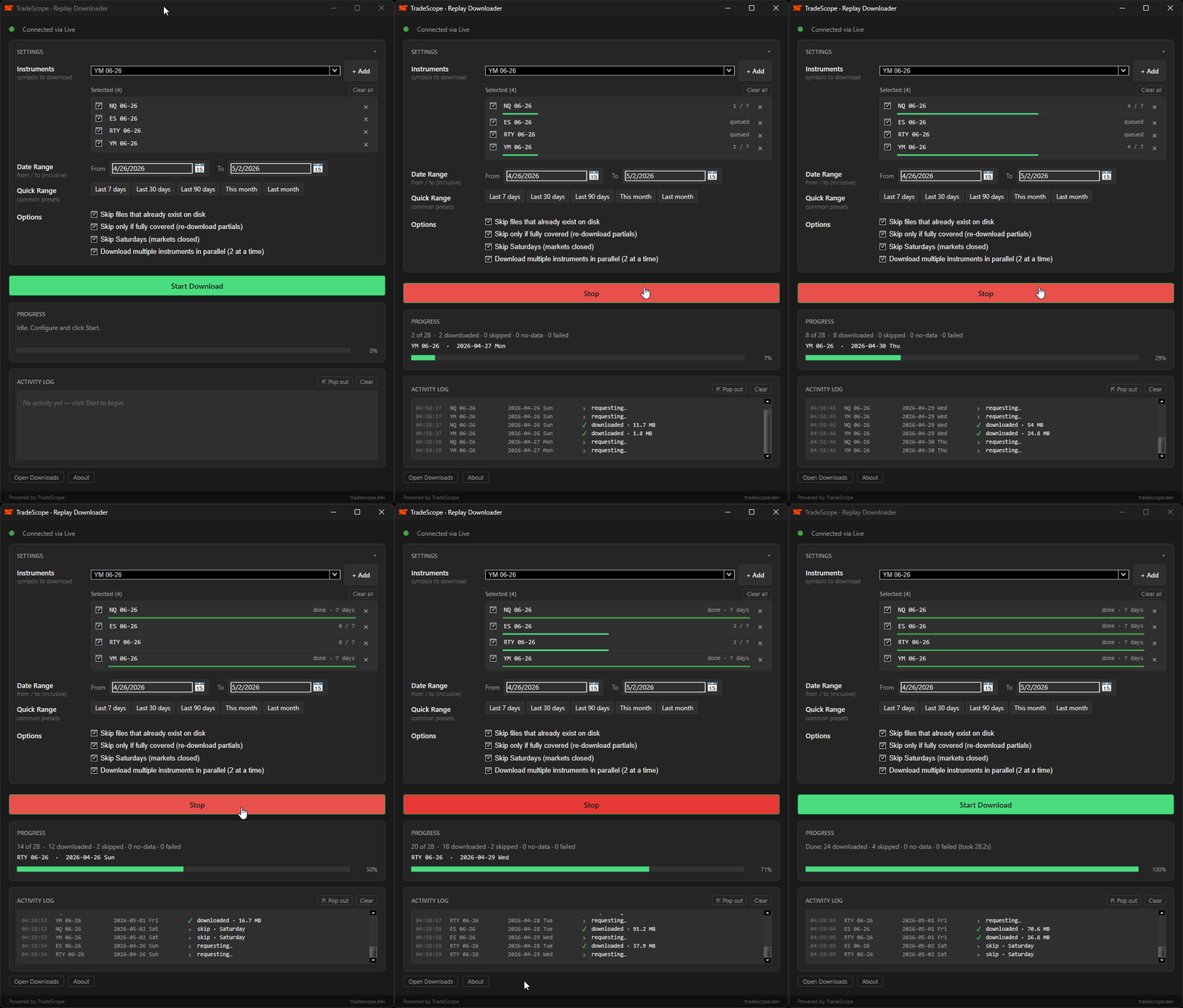
→ Pick instruments. Set a date range. Click Start. Walk away.
NinjaTrader's Historical Data window only fetches one day at a time. If you backtest, replay-practice, or run sim sessions, you've felt the friction. This add-on does the whole grid in one click — and keeps your local replay archive complete as you go.
Pick any number of instruments — ES, NQ, CL, 6E, GC, RTY — and a date range. The add-on queues every (instrument × date) combination and runs them all, end to end, with retries on transient failures.
Each row shows its own progress bar. See which symbol is on day 12 of 30, which is queued, which finished — live.
Files truncated by a network drop or NT crash get detected and re-downloaded. No more silent partial sessions skewing backtests.
Existing complete .nrd files are skipped. Saturdays are skipped. Re-running fills only the gaps.
Optional 2-at-a-time parallelism cuts wall-clock time roughly in half on large date ranges, while staying polite to provider rate limits.
Each selected instrument has a checkbox. Turn it off for one run without losing your selection — useful when topping up just one symbol.
Detach the activity log into its own resizable window so you can keep an eye on it on a second monitor. The downloader connects through whatever data provider NinjaTrader is already using — Rithmic, CQG, Kinetick — no extra subscription, no separate auth.
The installer is signed, so Windows installs it cleanly — no scary "Unknown publisher" warning, no "Run anyway" click-through.
Download and run the installer.
Tools → Replay Downloader. Pick your instruments and a date range.
The add-on downloads everything in the background. When it's done, your replay data is ready to use in NinjaTrader.
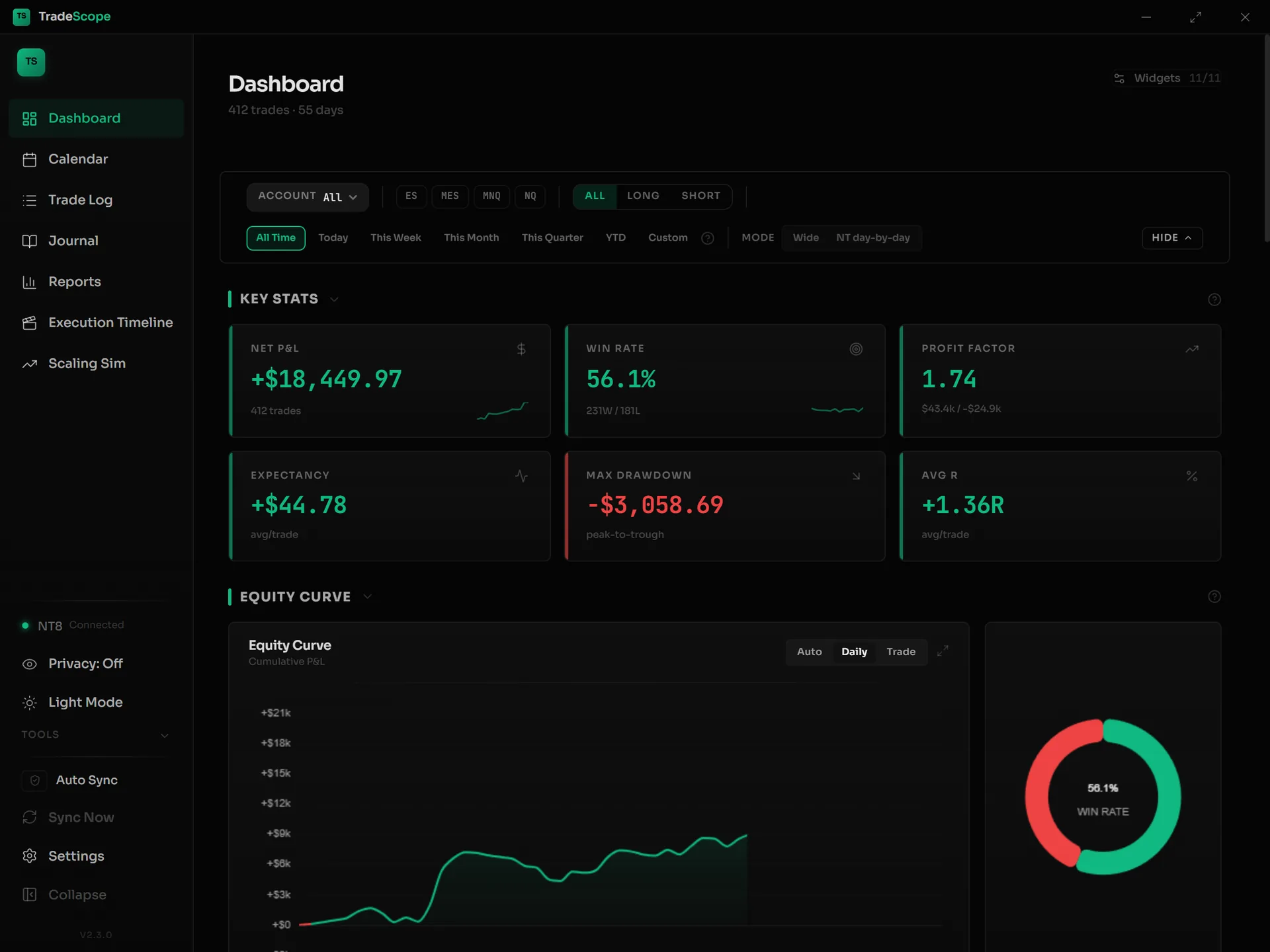
Replay Downloader fills your .nrd archive so you can practice. TradeScope Desktop is what you reach for after — the analytics layer that turns months of trades into a calendar heatmap, a deep-dive journal, and MAE/MFE distributions.
TradeScope syncs automatically with NinjaTrader 8 — your trades log themselves, so journaling just becomes part of your day.